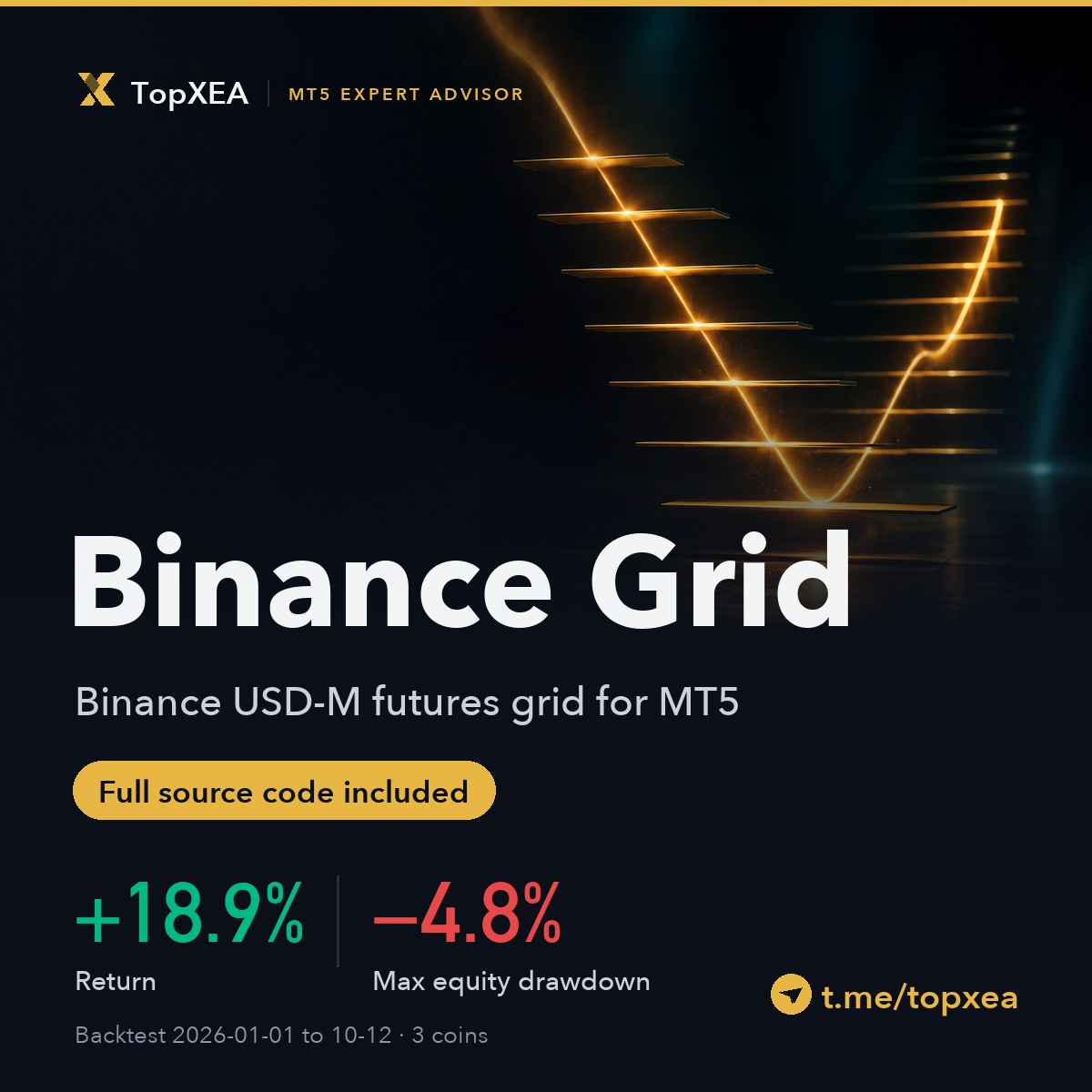
BinanceGrid
Binance USD-M futures grid for MT5, full source code included
- Platform
- MT5
- Version
- 1.0
- Category
- MT5 EA
- Delivery
- File download delivery
- Developer
- TopxAI
- Listing updated
- 2026-10-19
Screens
Description
BinanceGrid 1.0 · Binance USD-M futures grid for MetaTrader 5 (full source code included)
BinanceGrid trades three Binance USD-M perpetual contracts, HYPEUSDT, LITUSDT and ADAUSDT, from MetaTrader 5. Each coin runs on its own chart with its own capital. The EA streams Binance market data into MT5 custom symbols (BN.HYPEUSDT, BN.LITUSDT, BN.ADAUSDT), so the candles on your chart are Binance's candles. It can trade in paper mode or place real orders on your Binance futures account.
How it trades
- Long-only grid. A cycle opens on a signal from closed bars, adds layers as the price falls and closes the whole position at a take-profit above the average price. Later layers are larger than earlier ones, so a long decline puts most of the risk in the last layers.
- Account stop. When the combined equity of the coins on the terminal falls a set percentage from its peak (10% by default), every coin is closed and no new cycle opens for the rest of the month. HYPE also has a single-coin stop.
- Capital per coin. You enter how much USDT each coin may use. Profit and loss stay with that coin. Changing the capital later adds or removes the difference without touching past P&L.
- One connection for all charts. The first chart connects to Binance over WebSocket and feeds the others. If it closes or stalls, another chart takes over within 5 seconds and fills missed bars from Binance's REST API.
- Paper and live. Paper mode fills at Binance's best bid or ask plus 1 bp and charges fees. Live mode signs orders with your API key, reconciles with the exchange every 30 seconds and never resends an order whose result is unknown.
- On-chart dashboard in English or Chinese with five pages: Overview, Grid, Trades, Account and Feed. Every fill is kept in a local SQLite ledger and can be exported to CSV.
What you get
BinanceGrid.ex5, ready to attach to a chart- The complete MQL5 source code: the EA and its 19 modules, about 10,900 lines, plain ASCII with English comments. The
.ex5files were compiled from this source with 0 errors and 0 warnings. BinanceGrid_Historyscript (source and.ex5) that downloads Binance 1-minute history for the MT5 Strategy Tester- User guide in English and Chinese (PDF): installation, every input, capital and the account stop, going live on Binance, backtesting step by step, troubleshooting and a map of the source code. Read the English guide before you buy.
- No license key, no activation limit, no account binding
Backtest
MT5 Strategy Tester, 2026-01-01 to 2026-10-12, 1-minute OHLC, fees 5 bp, slippage 1 bp, funding not included, 2,000 USDT per coin.
| Return | Max equity drawdown | |
|---|---|---|
| HYPE | +29.0% | −9.1% |
| LIT | +8.8% | −10.4% |
| ADA | +4.5% | −4.4% |
| Three coins in one account | +18.9% | −4.8% |
The tester runs one coin at a time, so the three-coin row adds up the daily equity of three runs; its drawdown adds up the daily lows, which makes it slightly deeper than the true figure. Run alone, LIT hit its own 10% account stop on 27 March and sat out the rest of the month. In a three-coin account the combined drawdown stayed far from 10%, so that row uses the LIT run without the stop (LIT alone +23.1%). By month, January to September were all positive and 1 to 12 October was −0.33%. Past results do not indicate future returns.
Requirements
- MetaTrader 5 for Windows (on a Mac under Wine, switch market data to REST polling if the WebSocket keeps failing)
- WebRequest allowed for
https://fapi.binance.comandfstream.binance.com; max bars in chart at least 100,000 - A network that can reach Binance futures (Binance blocks US IP addresses)
- Live trading: a Binance USD-M futures account in one-way mode and an API key with futures trading only, withdrawals off and your IP whitelisted. At 13 October 2026 prices the minimum capital per coin was about 510 USDT for HYPE, 1,465 for LIT and 471 for ADA.
- Backtests: an MT5 account logged in on the terminal (a demo account works)
Risks
Stops are executed by the EA, not placed on the exchange: while the EA is offline, the terminal is closed or the computer sleeps, an open position has no protection. The grid adds to a losing position, and a long one-way decline can run into the account stop. Futures are leveraged and losses can be larger than you expect. Run it in paper mode first.
BinanceGrid is an independent product by TopXEA and is not affiliated with or endorsed by Binance. Updates and support: Telegram t.me/topxea.
Your download link is delivered automatically right after payment — find it anytime via My Orders.
Digital goods (license keys / files) are non-refundable once delivered. EAs and quantitative strategies are for research/education only and are not investment advice; forex and derivatives trading is high risk and past performance does not guarantee future results.
Further reading
BinanceGrid Review: A Binance Futures Grid in MT5, and How to Read Its +18.9% With a 4.8% Drawdown
BinanceGrid is TopXEA's own MT5 EA for Binance USD-M futures on HYPE, LIT and ADA. This review covers how it trades, where the risk sits, how to read the backtest and who should not run it.
Quantum King Source Audit: 1,590 Lines, Nothing Hidden — but the Risk Is Structural
We read every line of Quantum King 3.1's MQL5 source and compiled it. No licence checks, no trial timer, no hardcoded date tables — which is rarer than it should be. But it attaches no stop loss by default and every account-level guard ships disabled. Here's the mechanism and the boundaries.
Perceptrader AI Review: An AI Grid With a 173-Week Live Record
Perceptrader AI uses a neural network to filter signals, but underneath it is still a grid. What makes it unusual is the live record: 173 weeks, +341.04%, 6,602 trades, 17.06% max drawdown. Here's the real structure, how to read that record, and whether you can live with grid risk.
What Actually Changes an MT5 Backtest — We Ran the Controlled Test
Same EA, same .set, two different equity curves. We isolated the chart timeframe in a controlled test: 60× the bar count, and every figure in both reports came back identical. The variables that actually move the number are elsewhere — ranked by impact, with our own measured data.